Turn Any Walk Into an Adventure
GeoQuestr lets anyone create and discover outdoor activities — from quiz walks and guided tours to geocaching and fitness challenges. Explore your surroundings in a whole new way.
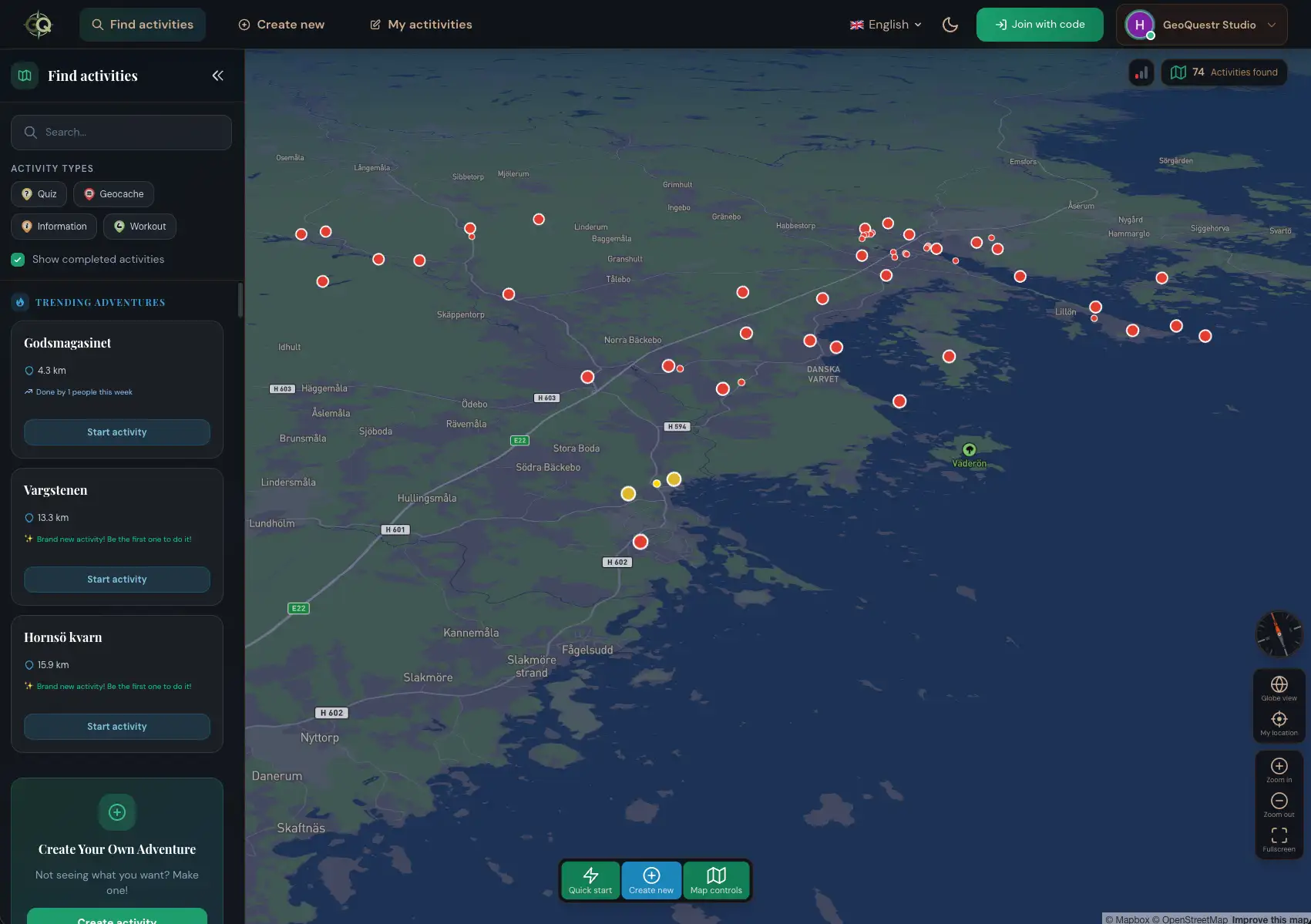
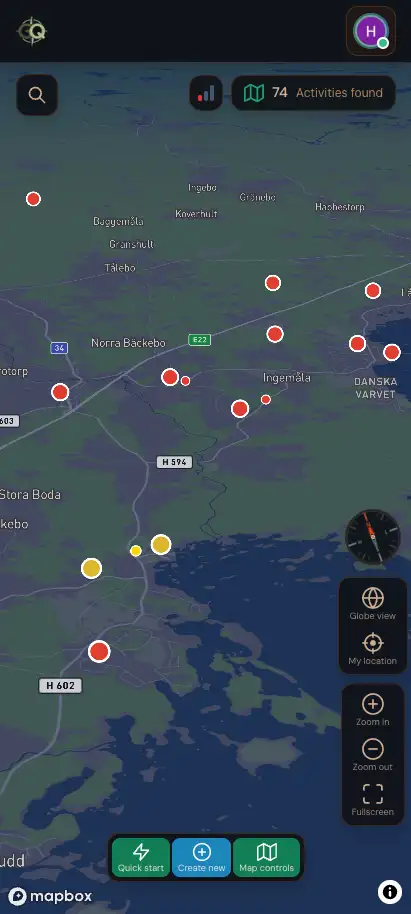
Find activities created by other members.
Discover quiz walks, self-guided tours, hidden treasures, workout challenges and much more.
- Multiplayer
- GPS-powered avatars
- Free to participate
Available in all browsers
Multiple Activity Types
Activities can be fully customized by the creator and there are a variety of activity types to choose from and discover as a participant.
How to Join an Activity
Getting started as a participant is quick and easy
Find an Activity
Browse public activities on the map, or receive a link or game code from someone who has created an activity for you.
Join the Game
Enter the game code, scan the QR code, or simply tap the link you received. Create a nickname and choose your avatar.
Complete the Quests
Walk to each quest location and complete the challenges - answer questions, do exercises, find hidden items, or learn something new.
Finish and Celebrate
Complete all quests and compare your final results with other players. Level up and unlock achievements.
Your Adventure Awaits
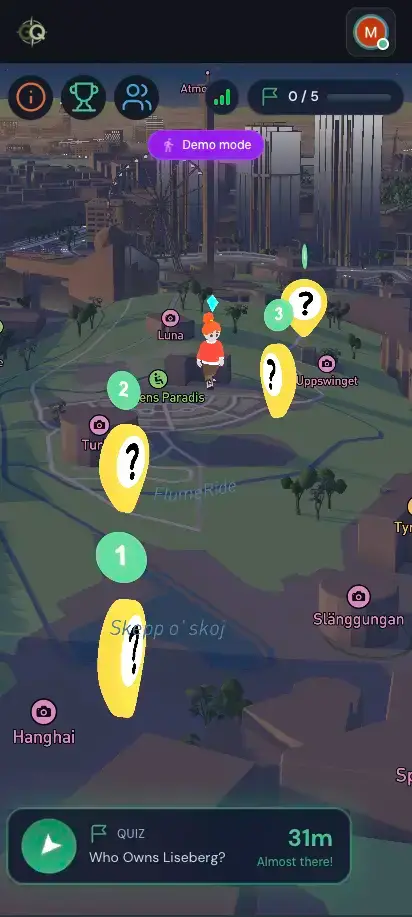
Control your avatar using GPS on your mobile. Walk or run to move your avatar on the map. Complete activities, collect points, unlock achievements and compare your results with other players.
Earn XP
Gain experience points and level up as you explore
Unlock Badges
Complete milestones and collect achievement badges
Live Scoreboard
Compete with others and track scores in real-time
Free to Play
Join any activity for free, no subscription required
Find Your Next Adventure Abroad
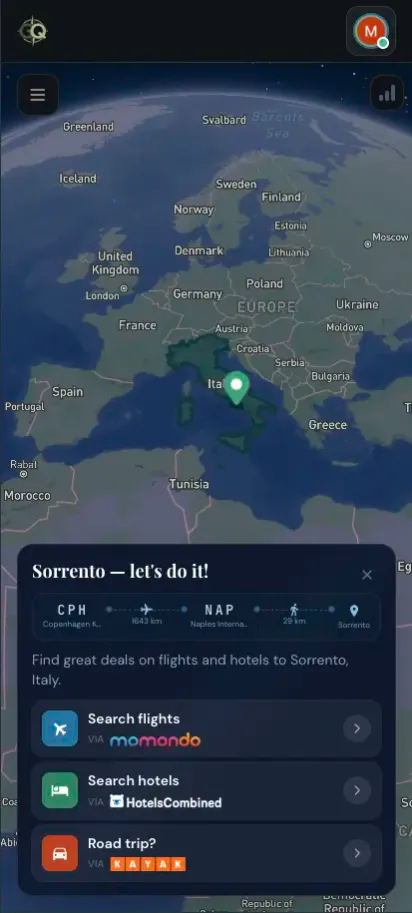
Explore cities worldwide and compare cheap flights, hotels, and rental cars from the world's leading travel brands.
Discover guided tours and hidden gems in cities worldwide — or spin the 3D globe, pick a destination, and instantly compare flights and hotels to get there.





How to Design Your Own Activity
Use your computer, tablet or mobile phone and go from idea to adventure in just a few simple steps.
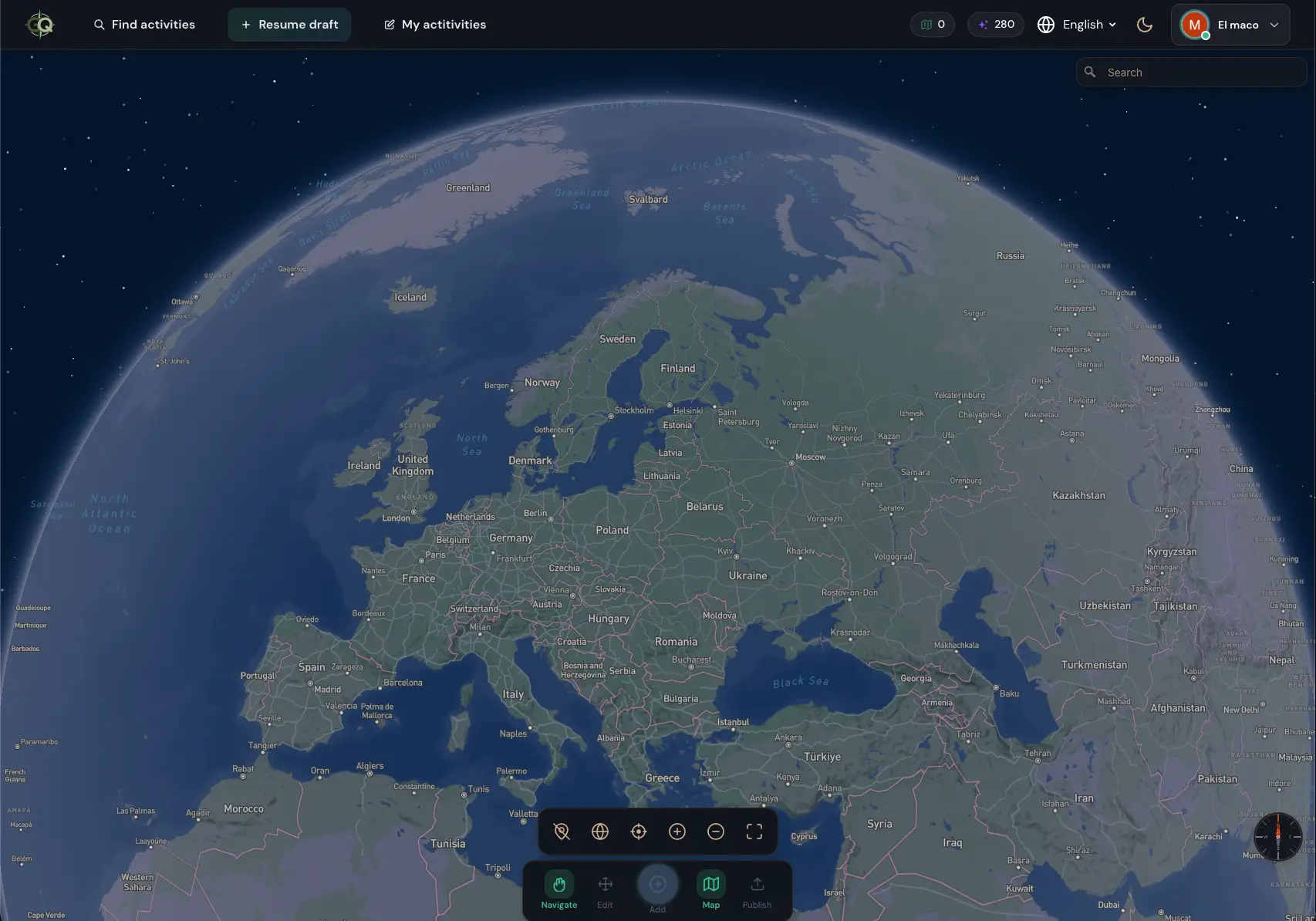
Pick Your Location
Pick a location anywhere in the world and decide what kinds of activities players should complete when visiting the location.
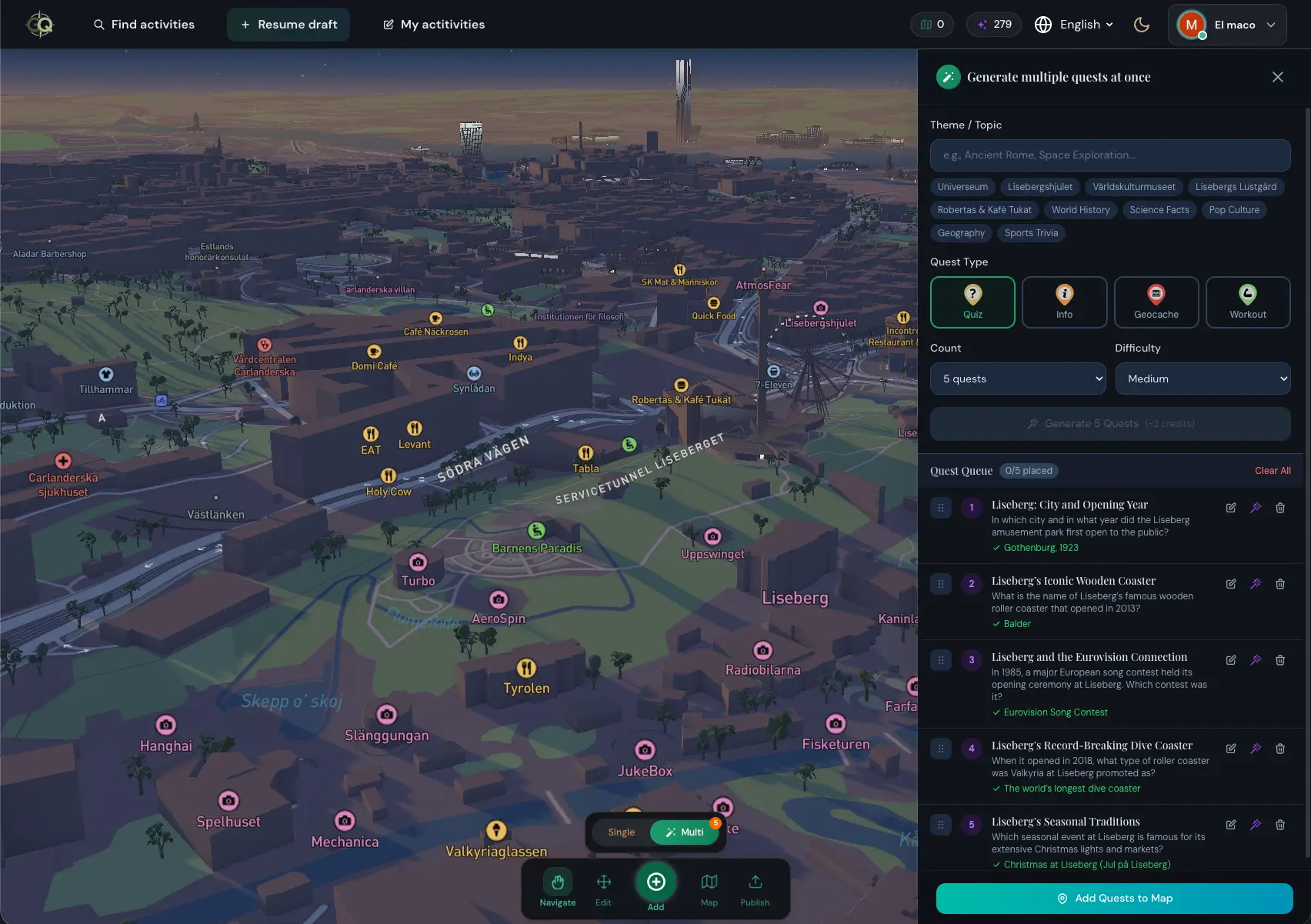
Create with AI
Use the Multi Quest generator to create multiple unique AI-powered activities within the same topic at once, or chat with Owlie, your personal AI assistant, to get help generating activities.
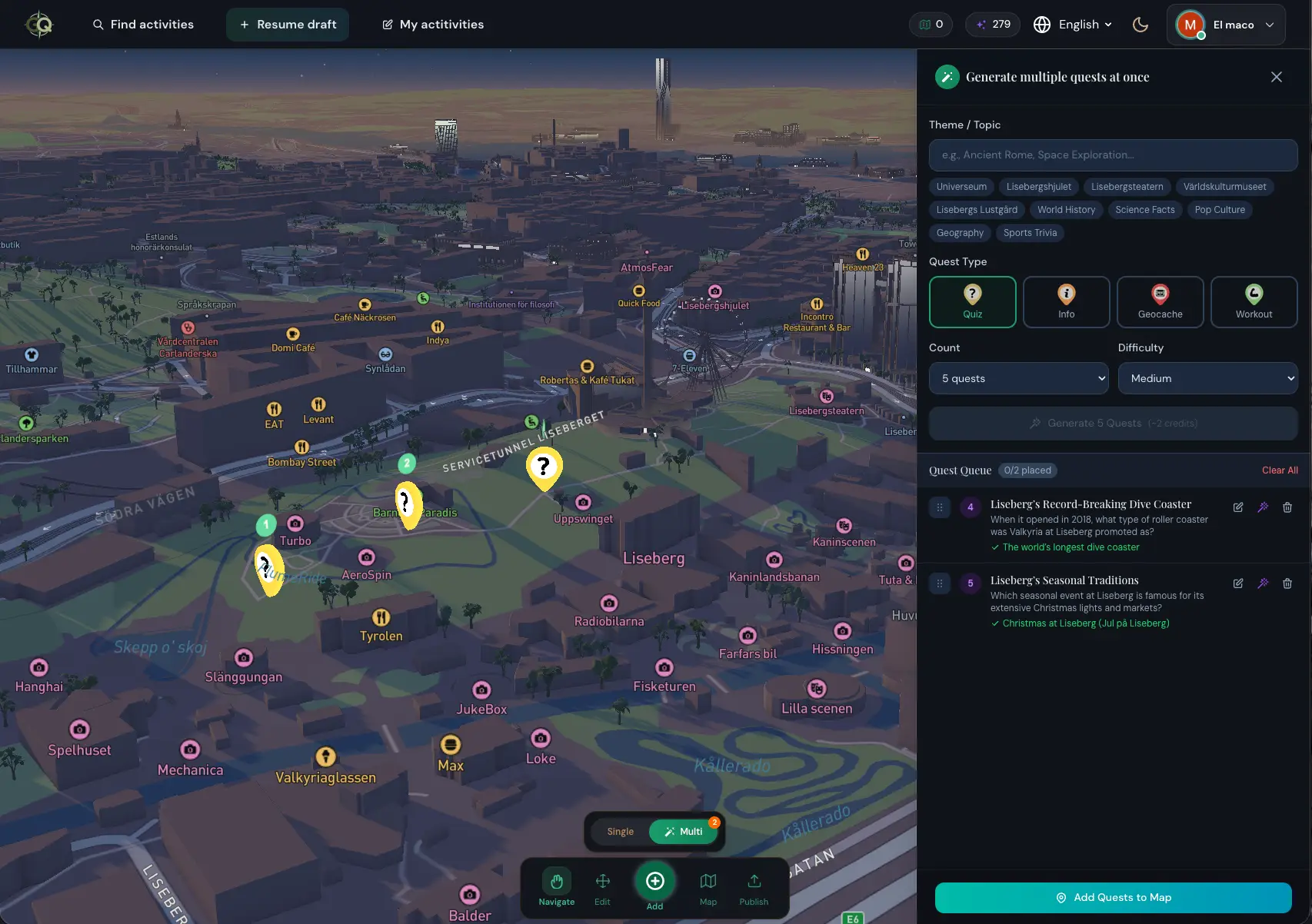
Add the Map Pins
Place the activities on the map along the route you want participants to follow.
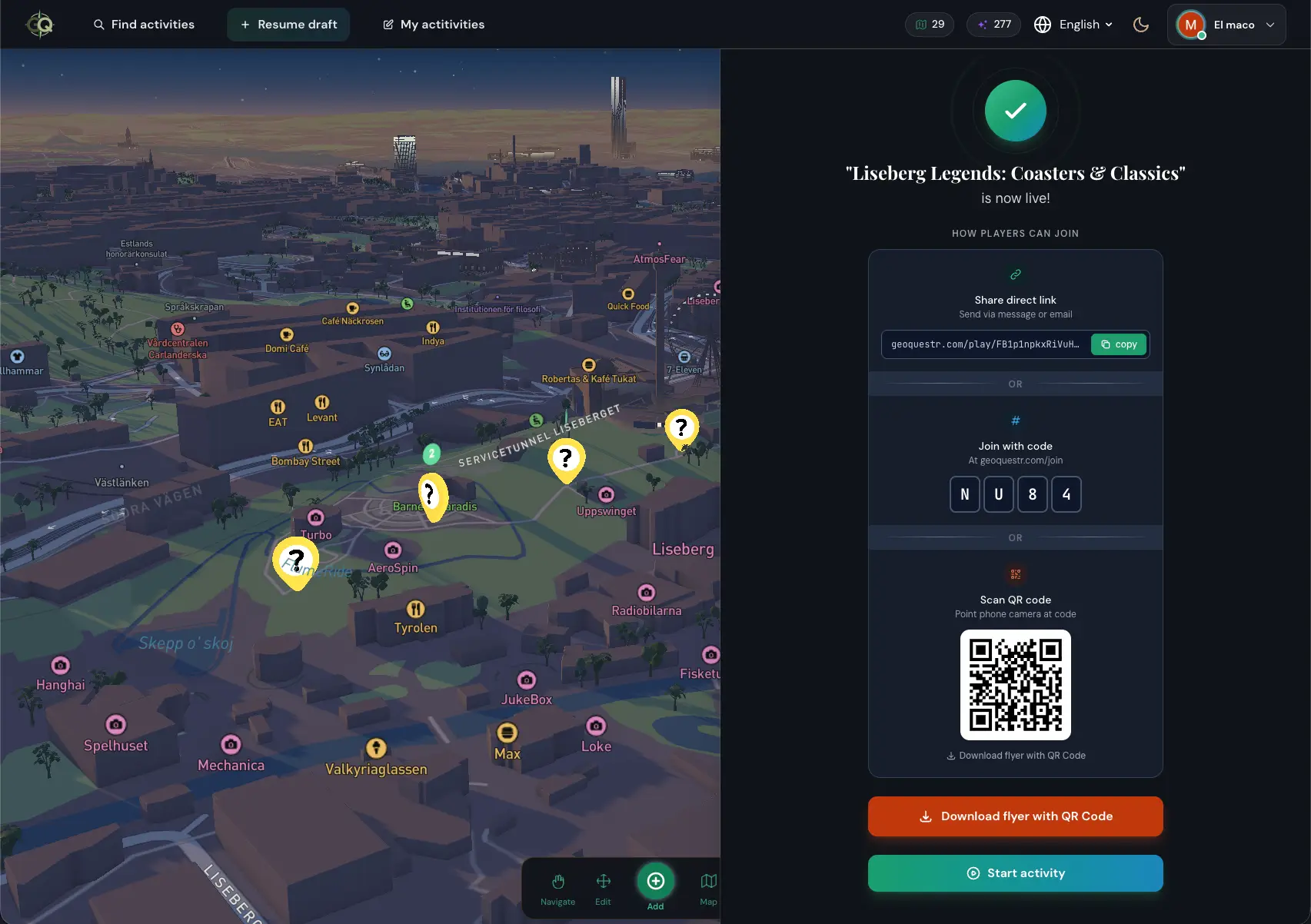
Share Your Creation
Choose whether your activity should be private or public. Publish and get a unique link to share, or download an automatically generated QR code flyer to print and put up at your venue.
Ready to Create Your Own?
Start building your first activity in minutes — no experience needed.
Start BuildingTrack Every Achievement
Monitor your progress, compete on leaderboards, and collect badges as you explore the world.
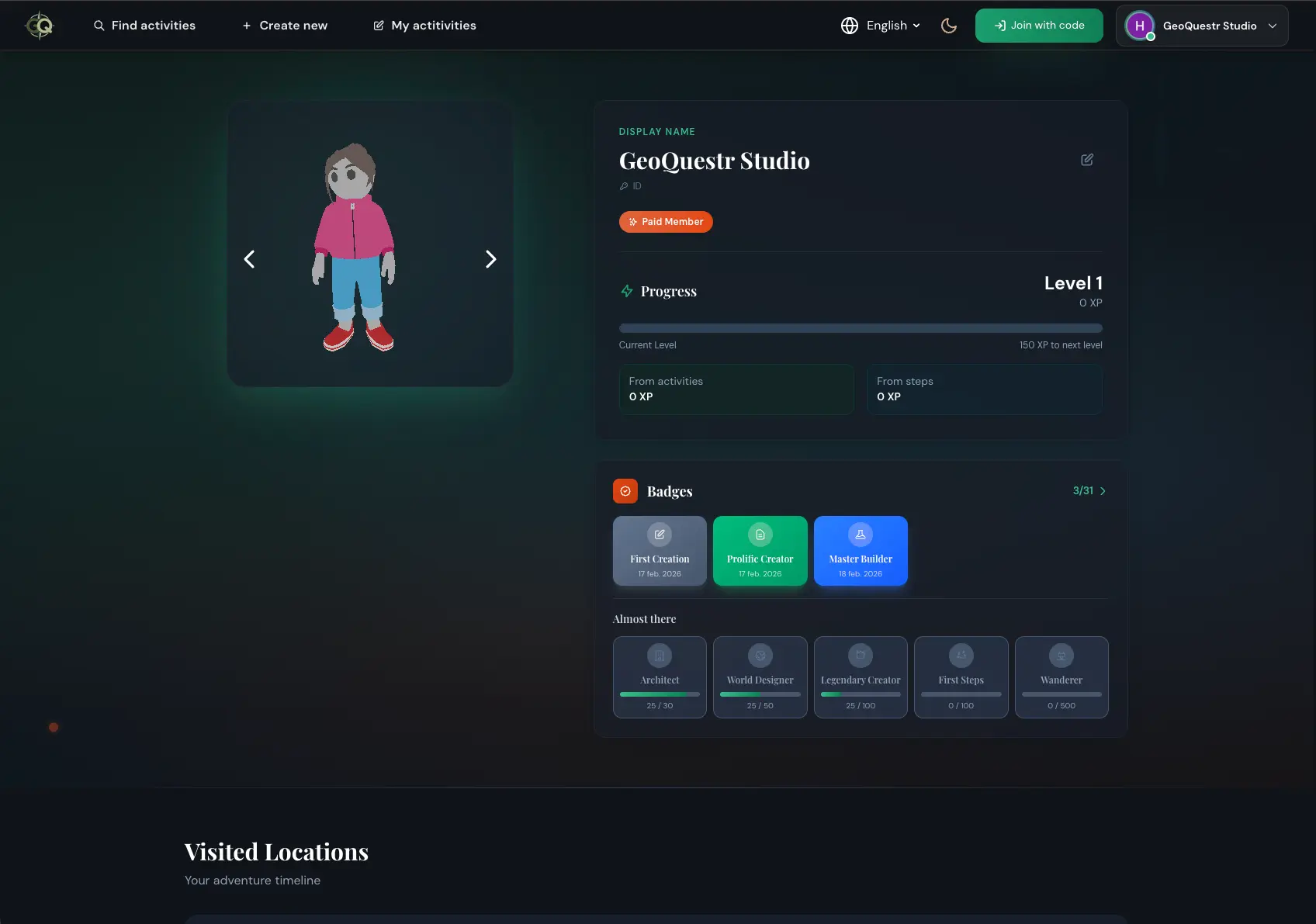
Player Profile
Track your level, XP, and visited locations in your personal adventure studio.
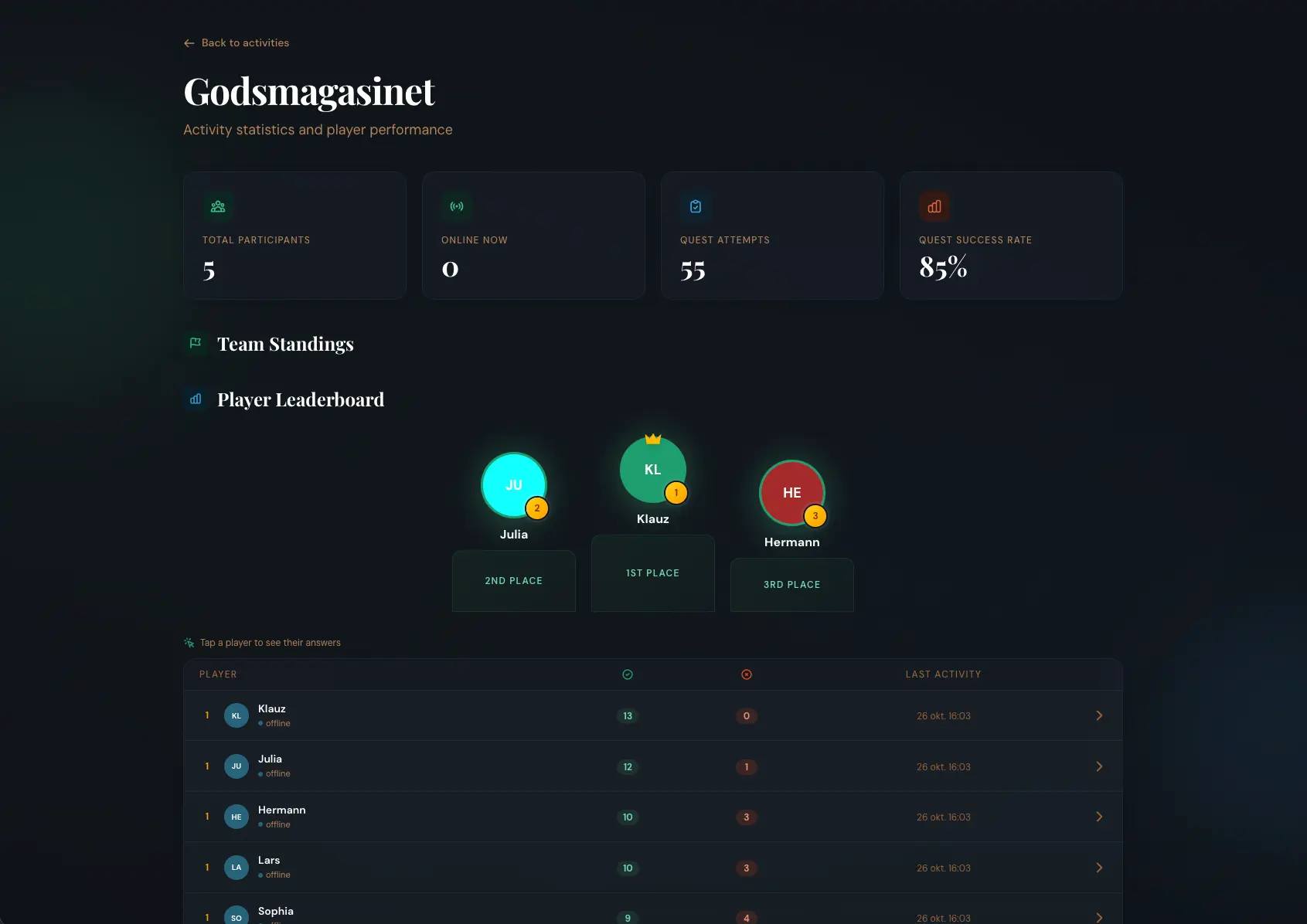
Live Statistics
Real-time leaderboards, team standings, and detailed performance analytics.

Earn Badges
Unlock achievements across Creator, Explorer, and Player categories.
Explore What GeoQuestr Can Do
Dive deeper into how GeoQuestr helps organizers, businesses, and cities create engaging outdoor experiences.
Time-Limited Events
Create buzz-worthy seasonal festivals, pop-up experiences, and competitions with built-in countdowns and leaderboards.
Learn MoreDrive Foot Traffic
Turn your business, park, or heritage site into a destination with interactive quests that bring visitors to your door.
Learn MoreShare Your Activity
Learn how to reach players through QR codes, join codes, downloadable flyers, direct links, and the public map.
Learn MoreReady to Start Your Adventure?
Join thousands of adventurers already exploring the world with GeoQuestr