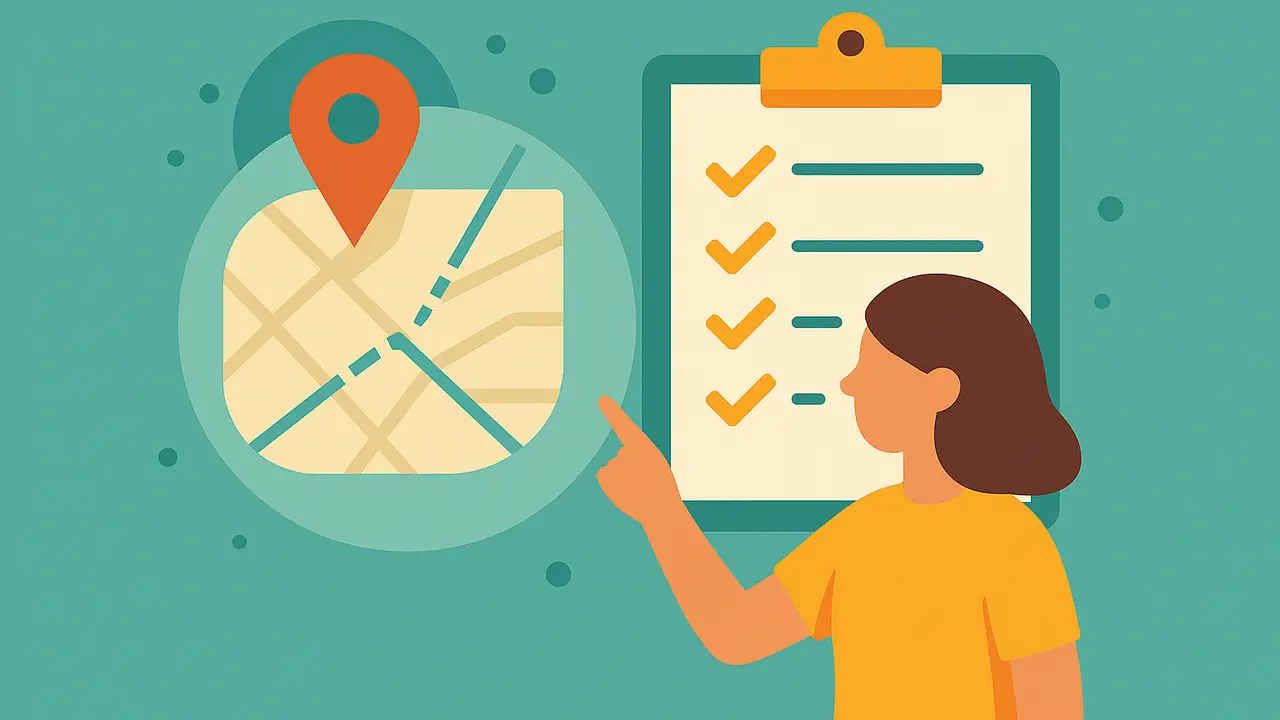
 Full Width Image
GeoQuestr — Quick Start Guide for Creators
Welcome to GeoQuestr! Here's a short checklist to help you start creating engaging activities.
1. Set Up Your Account
- Sign up with your email or social login.
- Complete your profile.
2. Create Your First Activity
- Go to Create activity in the application via Browser or via the android APP that can be found on google play.
- You will be prompted to activate Geolocation.
- You are now displayed with a map of your current position.
- Select which activity you want to place on the map
- Click the map to place the activity.
- Follow the prompts to add details, questions, and challenges.
- Add atleast 7 activities to make it more engaging.
- Publish your activity when you are satisfied with the quality.
3. Follow Quality & Safety Tips
✅ Clear, easy-to-follow directions
✅ Safe and legal locations (no trespassing, no hazards)
✅ Original idea (not copied from others)
✅ Balanced challenge level
❌ No dangerous dares, hateful content, or spam
4. Boost Engagement
- Share your activity with friends and the community.
- Encourage players to rate and leave feedback.
- Update and improve based on feedback.
5. Getting Featured
- Our team reviews activities regularly.
- Activities with good ratings, strong engagement, and safe design may be featured and promoted.
- You'll be notified if yours is selected.
6. Keep Improving
- Monitor your content’s performance in the app.
- Edit and update to keep it relevant.
- Create more activities — more chances to get featured!
Need Help?
Go to the support or contact section.
🎉 That's it! You're ready to explore and create amazing adventures!
All articles
Share